ai • tools • productivity
Top 10 AI Tools for Learning and Productivity (2026)
The tool stack busy learners actually rely on this year
Why this guide matters in 2026
AI productivity software now sits alongside your inbox and calendar—it is no longer optional. After interviewing teams across research, product, and RevOps, we curated a list that actually compresses the capture → synthesize → ship loop instead of adding noise.
How we picked and tested
We spent four weeks living inside these apps. Each product had to (1) export or sync into a second brain, (2) provide clear pricing and data policies, and (3) create value within 30 minutes of setup. Anything that hid your data, required custom code, or generated untraceable answers was cut immediately.
At-a-glance picks
Need the TL;DR? Start with these pairings. Grab the capture tool that matches your workflow, then bolt on an automation or drafting assistant.
- 1.Vedaric — Second brain OS with graphs, flashcards, and RAG chat.
- 2.Otter.ai — Meeting memory with live transcripts + action items.
- 3.Readwise Reader — Unified inbox that syncs highlights everywhere.
- 4.Notion AI — Inline drafting and summarising inside your wiki.
- 5.Perplexity — Citation-first conversational research.
- 6.Reclaim — Autonomous time-blocking to defend focus time.
- 7.GitHub Copilot — Context-aware pair programmer in your IDE.
- 8.Miro + Miro AI — Visual ideation with auto clustering and summaries.
- 9.Readwise — Spaced repetition for every highlight.
- 10.ChatGPT — Flexible tutor, editor, and brainstorming buddy.
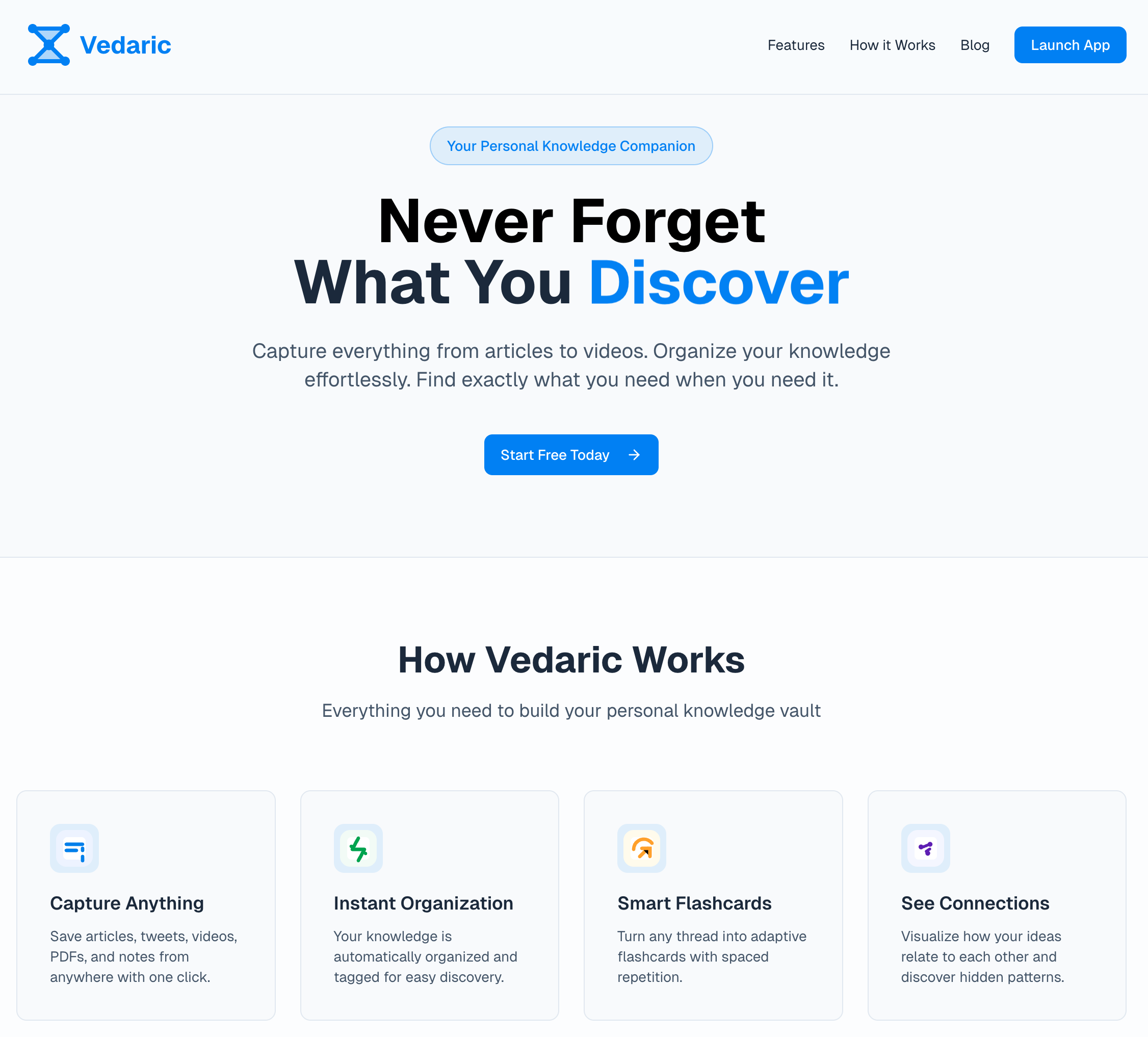
1. Vedaric — best for building a personal second brain
Vedaric ingests articles, transcripts, PDFs, and meeting notes, enriches them with AI, and resurfaces insights through knowledge graphs, flashcards, and evidence-backed answers. Think of it as the operating system for everything you learn.
- Strengths: capture inbox, graph explorer, RAG-style chat, flashcards.
- Best for: researchers and operators who never want to lose an insight.
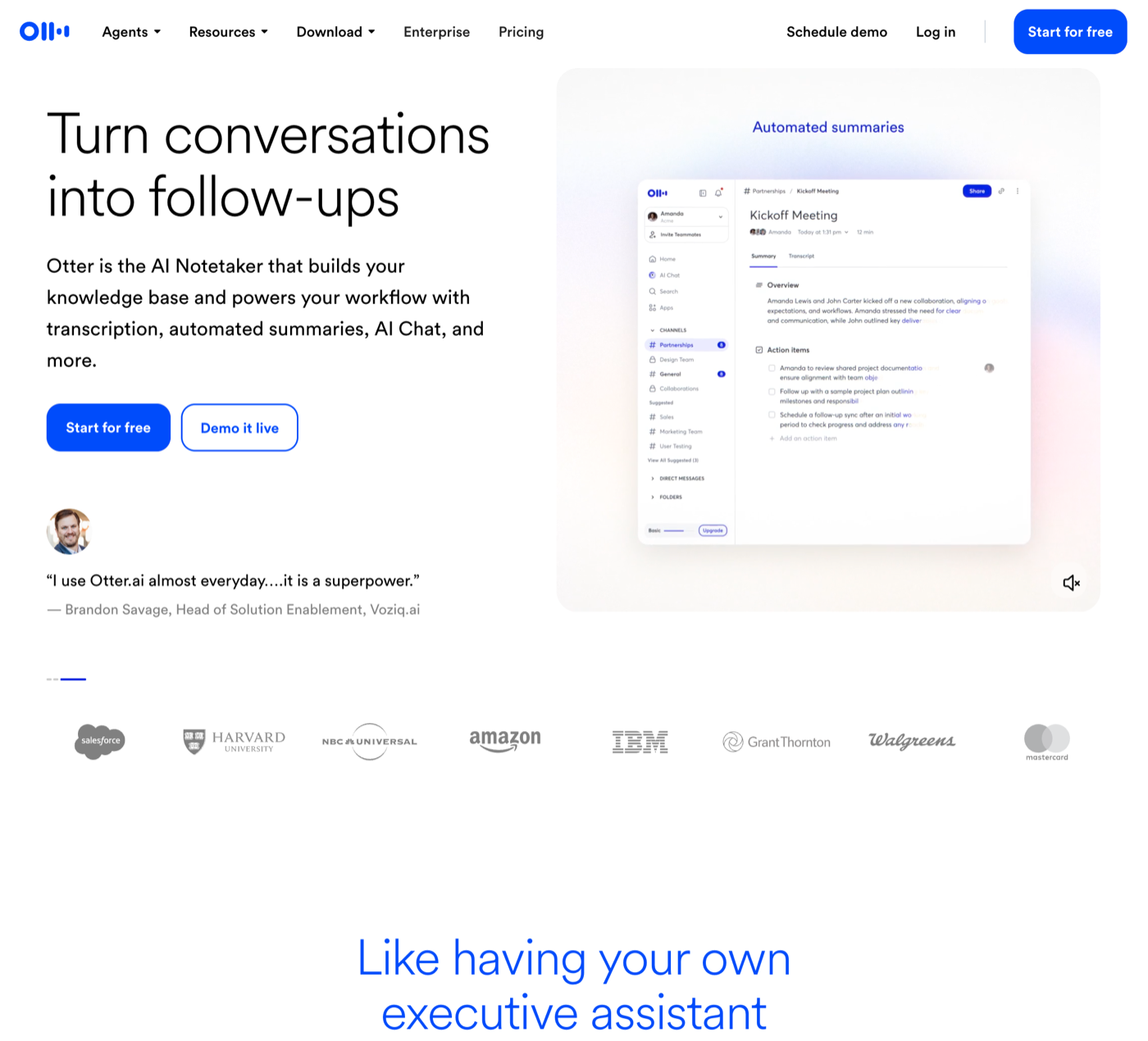
2. Otter.ai — best for meeting-heavy teams
Otter records, transcribes, and summarises calls so you can stay present. We route the highlights straight into Vedaric or our task manager instead of rewriting notes after every meeting.
- Strengths: live transcription, action-item detection, collaboration.
- Best for: teams that live in Zoom/Meet and need instant recaps.
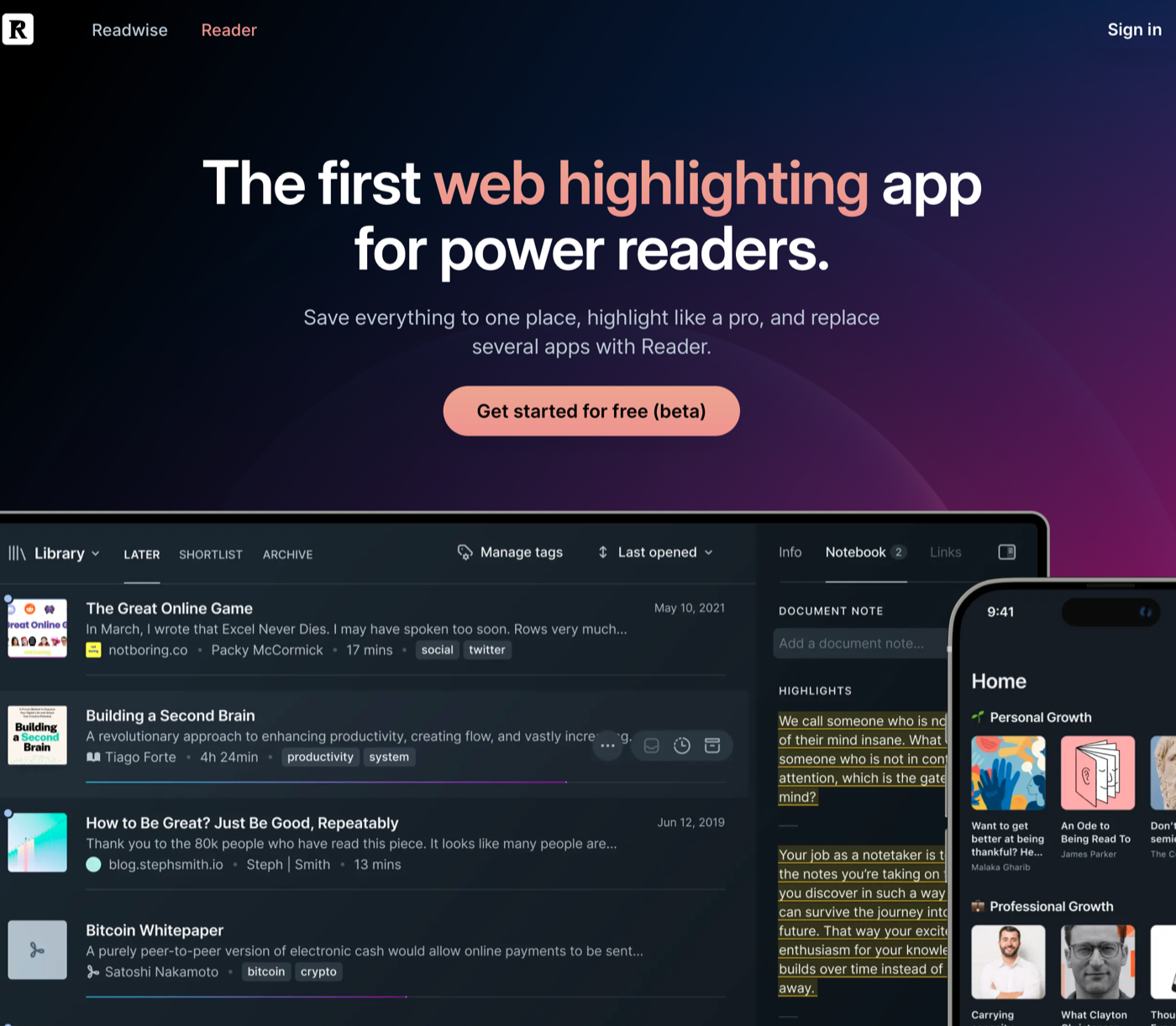
3. Readwise Reader — best for taming your reading queue
Reader consolidates newsletters, PDFs, YouTube transcripts, and RSS into a calm inbox. Highlights sync back to Readwise (and from there to your second brain) so nothing slips away.
- Strengths: multi-format inbox, offline apps, spaced review emails.
- Best for: power readers and researchers.
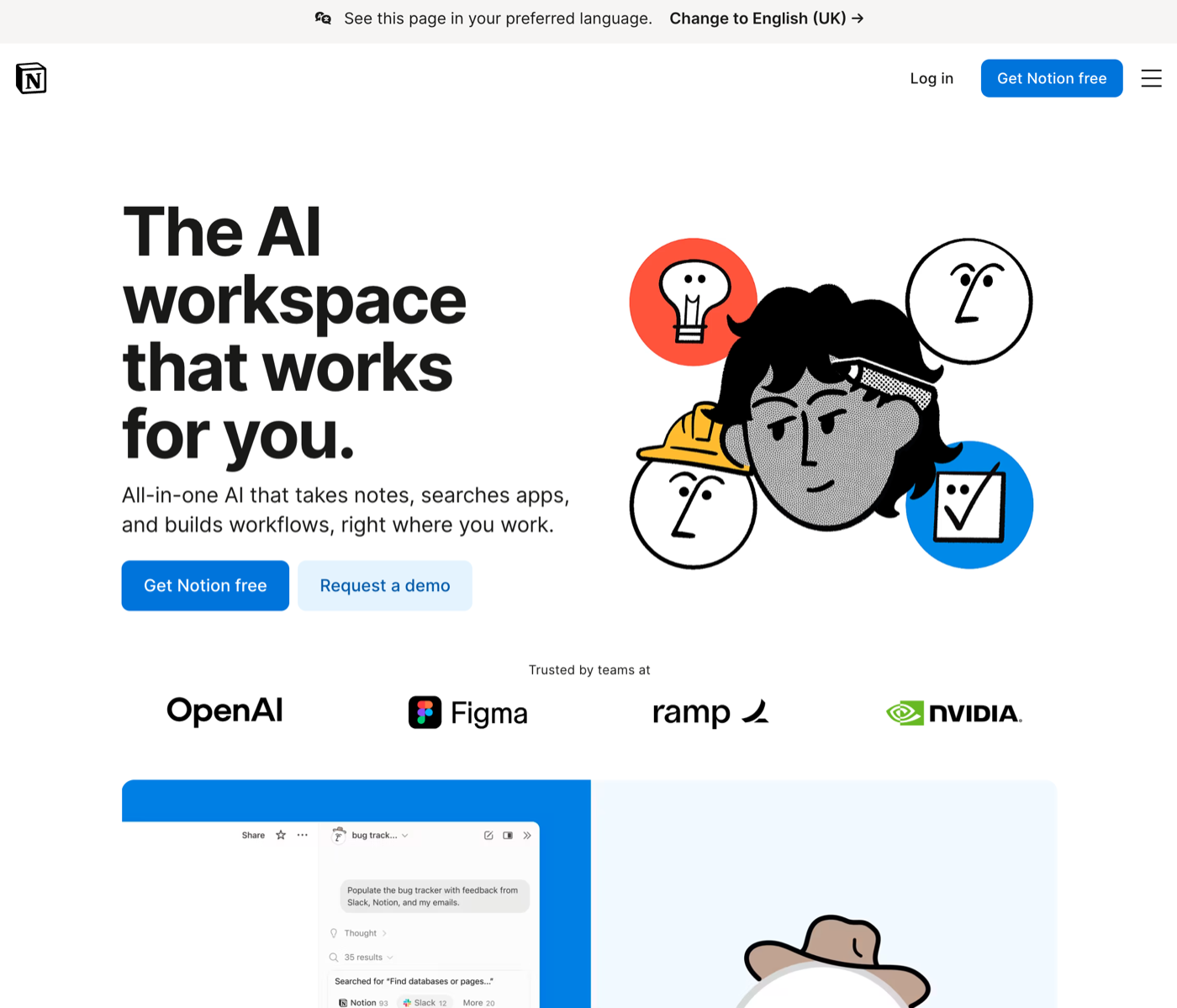
4. Notion AI — best for teams already in Notion
If your workspace already runs on Notion, the AI upgrade turns rough bullets into briefs, restructures docs, and answers questions from within your wiki.
- Strengths: inline drafting, summarising, translation.
- Best for: cross-functional teams that centralise docs in Notion.
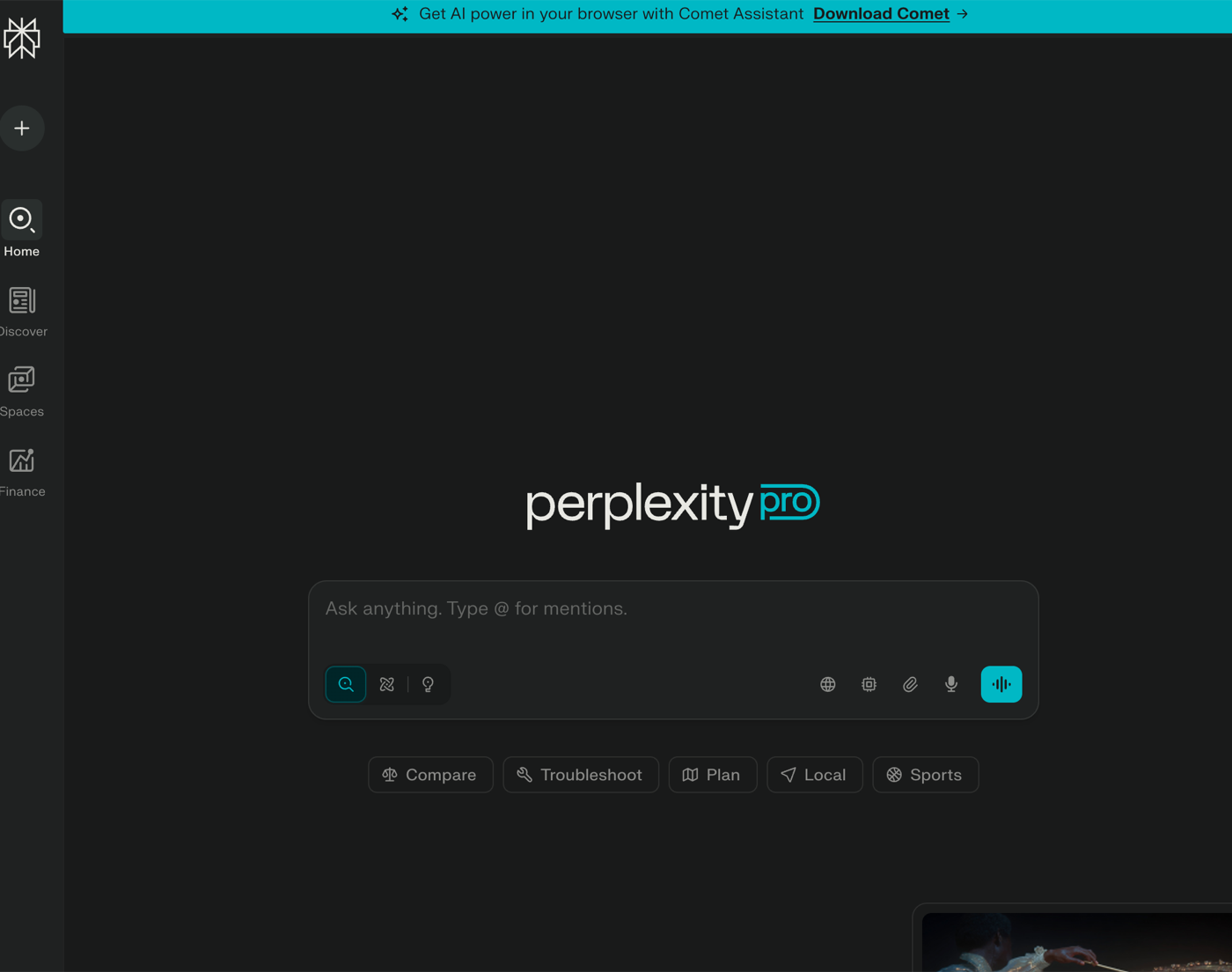
5. Perplexity — best for rapid, citation-first research
Perplexity mixes search with conversational answers and inline citations. It is our default when we need a quick overview plus trustworthy sources before diving deeper.
- Strengths: references on every answer, follow-up questions, projects.
- Best for: researchers and PMs who need trusted synthesis fast.
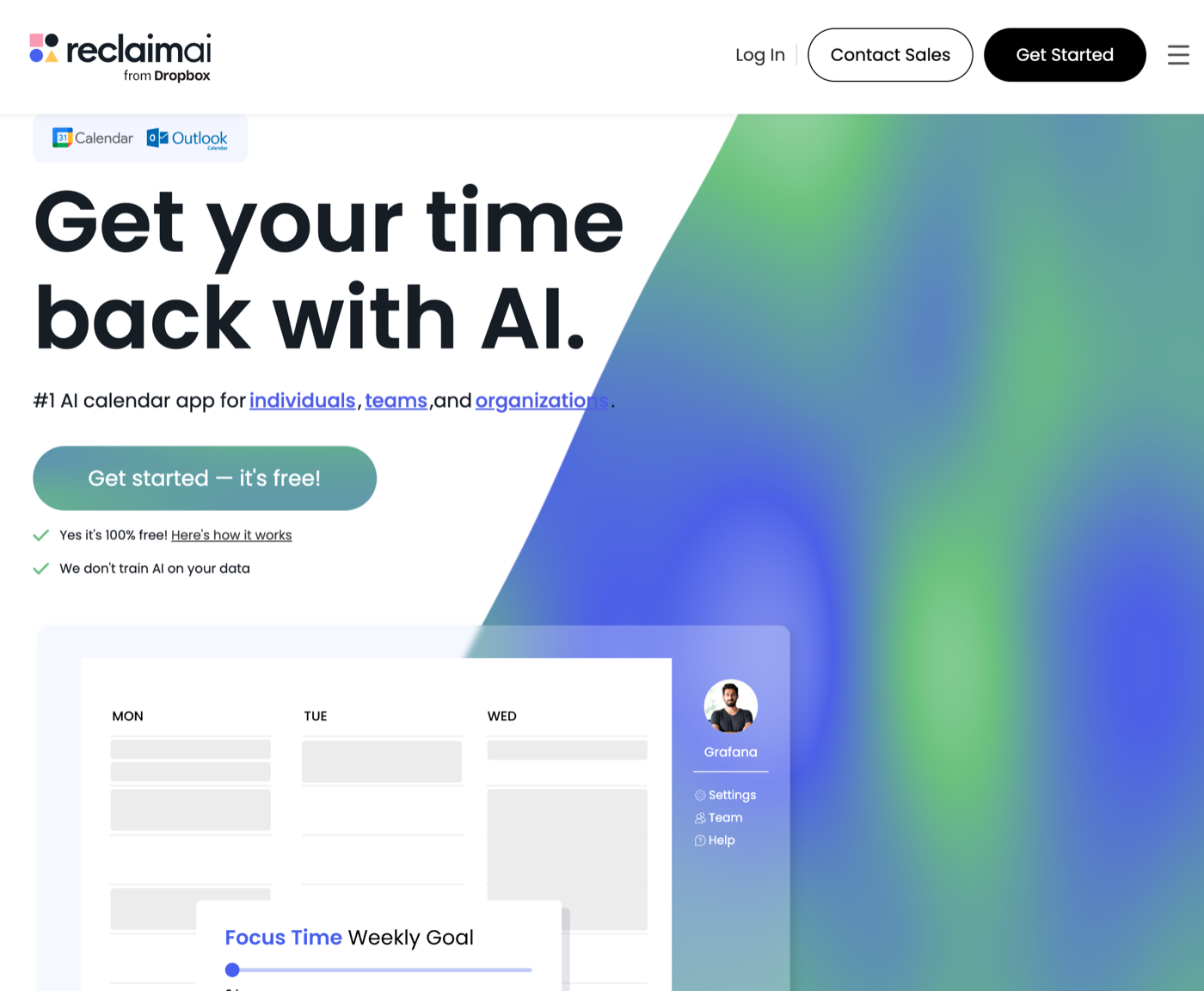
6. Reclaim.ai — best for defending deep work
Define your habits, focus blocks, and meetings; Reclaim reshuffles your calendar dynamically so deep work actually happens. It is like having an EA that never sleeps.
- Strengths: automatic time-blocking, priority rules, habit templates.
- Best for: ICs, leads, and founders juggling competing priorities.
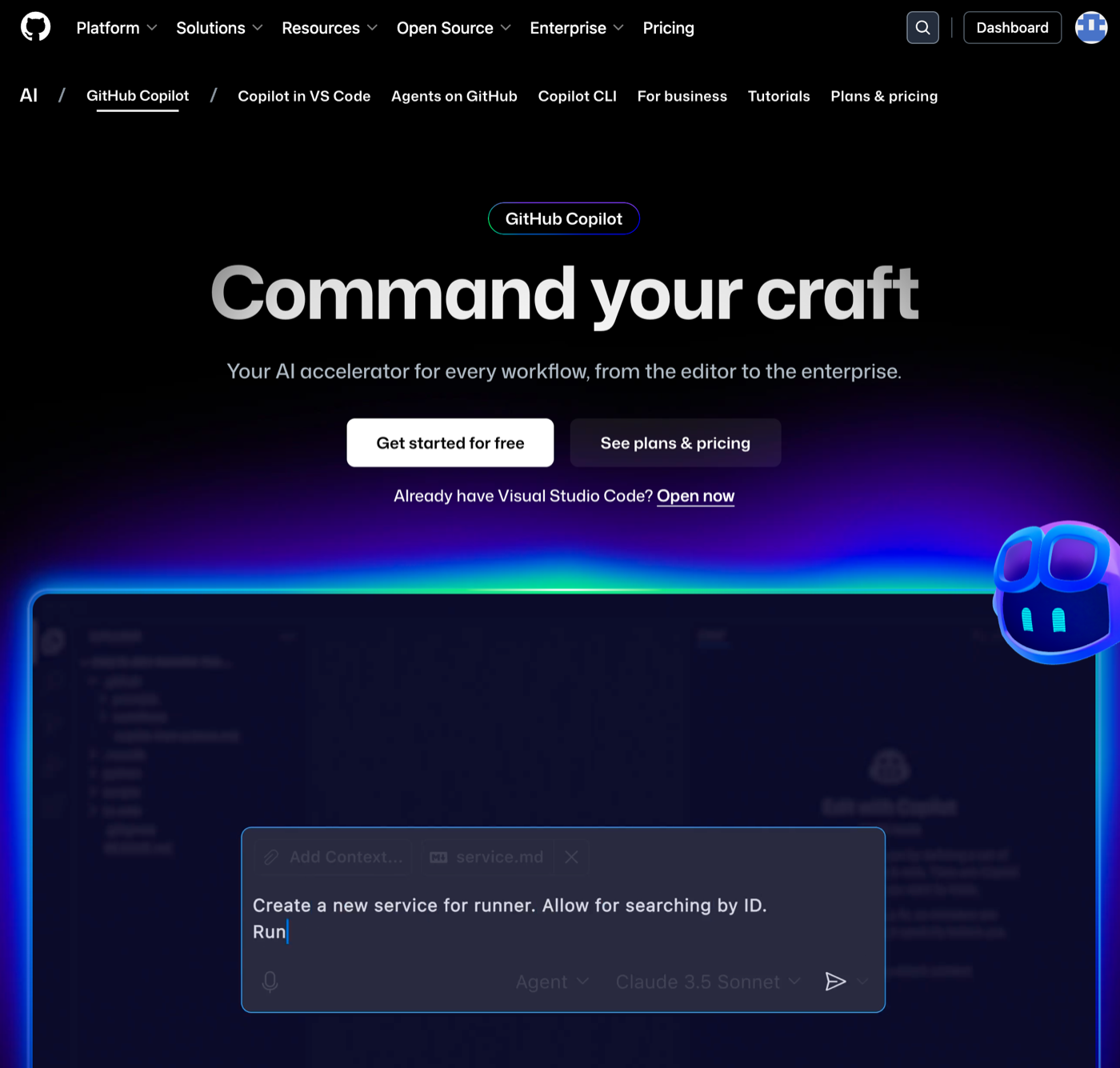
7. GitHub Copilot — best for shipping code faster
Copilot sits in your editor, suggesting code, tests, and refactors based on the surrounding context. Treat it as a collaborator that frees you to focus on architecture and problem solving.
- Strengths: inline completions, repo-aware chat, task-driven agents.
- Best for: developers who live in VS Code or JetBrains IDEs.
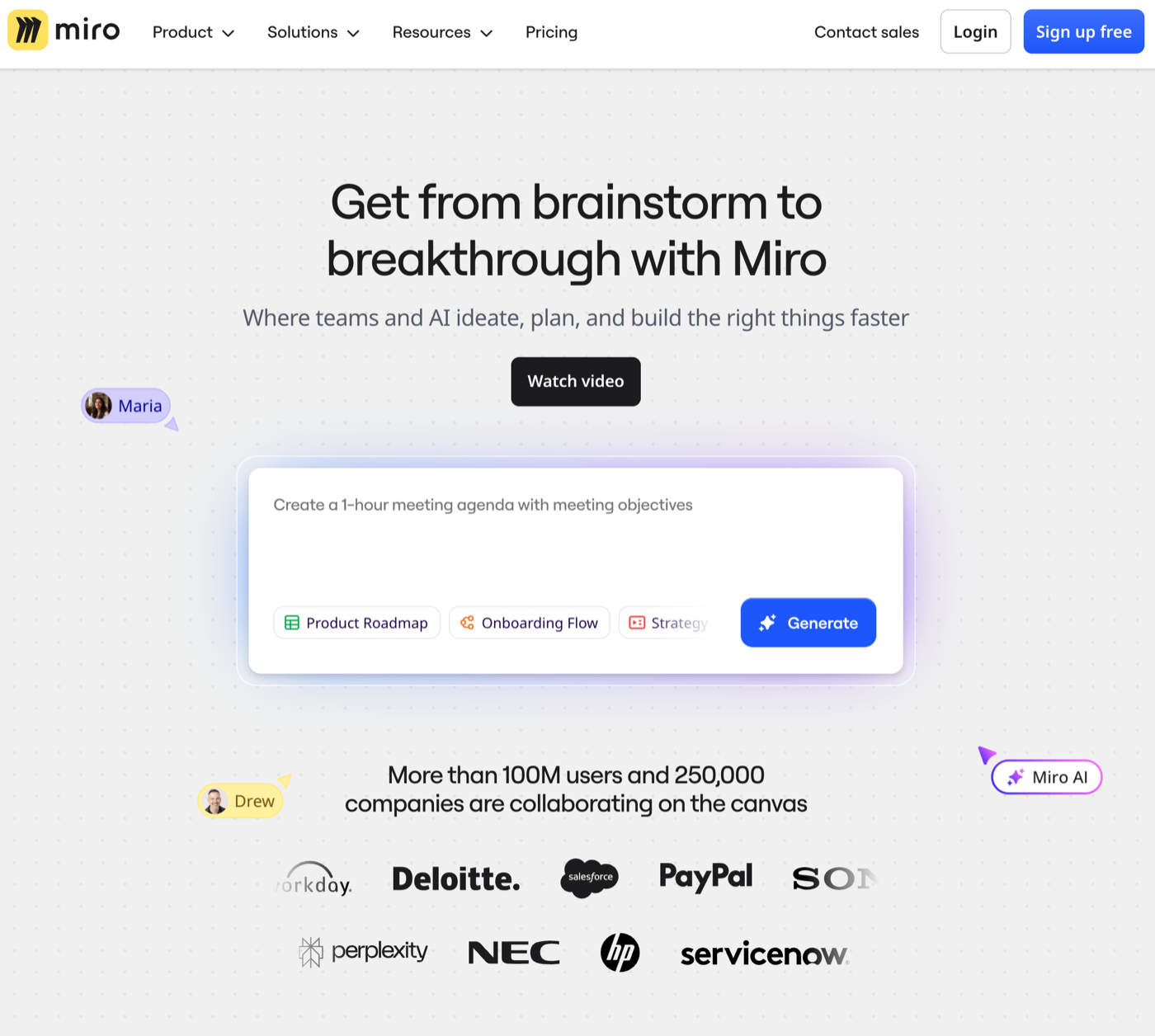
8. Miro + Miro AI — best for visual ideation
Miro remains the default collaboration canvas. The AI add-ons auto-cluster sticky notes, summarise messy boards, and generate diagrams from prompts, so workshops end with clarity instead of screenshots.
- Strengths: infinite canvas, AI clustering, template library.
- Best for: product, design, and strategy teams.
9. Readwise (core) — best for spaced repetition
Beyond Reader, the core Readwise app resurfaces your highlights via daily review emails and custom decks. It is the lowest-friction way to keep book notes alive.
- Strengths: spaced email digests, tag-based decks, exports to every PKM app.
- Best for: anyone with thousands of Kindle or article highlights.
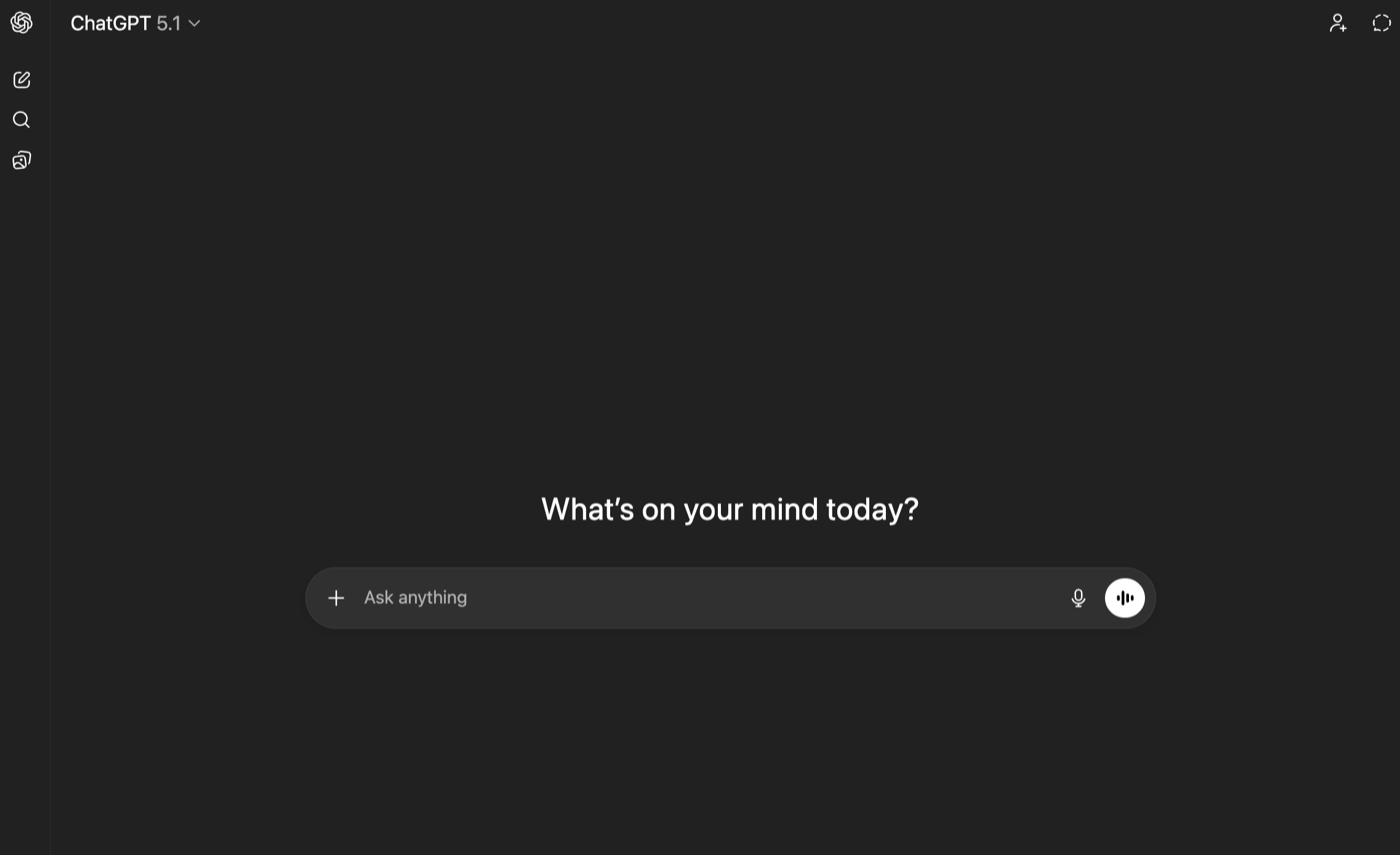
10. ChatGPT — best all-purpose tutor and writing buddy
ChatGPT remains the Swiss Army knife: tutor, writing partner, brainstorming buddy, and debugging assistant. Pair it with your own notes for grounded outputs.
- Strengths: multimodal prompts, custom GPTs, web browsing when needed.
- Best for: anyone who needs a flexible assistant that adapts to the task.
Building your personalised AI stack
Start with one capture layer (Vedaric or Reader), one thinking space (Notion AI or Miro), and one automation layer (Reclaim or Otter). Once those habits feel effortless, layer in the rest. The goal is not to hoard tools but to create a system where ideas flow from discovery to delivery without friction.
Key takeaway
The best AI toolkit in 2026 is intentional: a capture-first second brain (Vedaric), a calm reading queue, trusted automation, and assistants that cite their work. Start lean, integrate deeply, and let the tools fade into the background.